Visual Identity & Design
Good player education should be as readable and carefully designed as the rest of your communications. This module covers the adaptive identity model, the different visual treatments for Tier 1 and Tier 2, and the accessibility requirements and design conventions used in the brand system.
Operator note: Replace
{{PROGRAM_NAME}}with your program name throughout. The default palette, type system, and tier rules are part of the brand system and should not be modified. What you do customize — your colors, your fonts, your logo — is exactly what the adaptive identity model is built to let you change. Narrator scripts should be recorded in the Playbook Tier 1 voice unless a section is marked Tier 2.
Program: Brand Foundations | Duration: ~20 min | Prerequisites: RG Foundations
Quick-scan index
| Section | What it covers | Time |
|---|---|---|
| Learning objectives | What you’ll know after this module | — |
| Section 1: Visual System Principles | Adaptive identity, color, type, icons, photography | ~7 min |
| Section 2: Tier 1 vs Tier 2 Visual Rules | How the two tiers look different, reviewing a design in context | ~7 min |
| Section 3: Accessibility Requirements | WCAG 2.1 AA baseline, dark mode, the pre-ship checklist | ~4 min |
| Module test | 5 graded questions, 80% to pass | ~2 min |
| Key takeaways | Summary | — |
| References | Links to Playbook brand assets | — |
Learning objectives
After completing this module, you will be able to:
- Use the adaptive identity model to brief a designer on a new operator deployment
- Apply Tier 1 vs Tier 2 visual rules to any piece — including the cases where they shift mid-flow
- Check WCAG contrast requirements and Playbook’s target-size and type conventions on real artwork
Section 1: Visual System Principles
Reading
Player education should receive the same care as the operator’s other communications. Clear hierarchy, useful information and readable type matter more than adding decorative effects.
The adaptive identity model keeps a common structure while allowing an operator’s own identity:
- Operators can customize the palette, heading and body fonts, logo, co-branding and photography style.
- Layout patterns, spacing, information hierarchy, the dual-weight icon system and component structure stay consistent.
The default Playbook identity uses navy #1B2838 for the main structure, teal #10B981 for emphasis and actions, and orange #FF6B35 as an optional Tier 1 accent. Current collateral may use only part of that palette. Orange is not a requirement for every educational piece.
- Navy #1B2838Primary backgrounds, headings and identity
- Teal #10B981Emphasis and actions, with contrast checked
- Orange #FF6B35Optional Tier 1 accent
State colors have a separate job. Success (#00C853), warning (#FFB300), danger (#FF3D00) and information (#2979FF) communicate a state. Keep these meanings consistent when adapting the identity, and include words or another cue so color is never the only signal. Verify the text contrast on each background.
The teaching type system uses Inter for headings and controls, Source Sans 3 for body text, and Source Code Pro for data and contact-number specimens. Source Code Pro makes similar characters distinguishable. Current published collateral may use Inter throughout; the recording describes the teaching system rather than every current export.
The icon system uses two stroke weights. At its native coordinate size, the outer structure uses 2-unit strokes and internal detail uses 1-unit strokes. Enlarging an SVG also enlarges its rendered strokes, so these are not fixed screen-pixel measurements at every display size. Use icons only where they help identify a control or explain the content.
Photography and illustration must support the message. Avoid imagery that implies guaranteed success, glamorizes high-stakes play or distracts from support. Text over a photograph needs a controlled background treatment and measured contrast; adding a gradient alone does not prove it passes.
Narrator Script
Narrator: [transition slide] {{PROGRAM_NAME}}‘s visual system starts with three brand colors. Navy is the primary — trust and authority. Emerald is the secondary — interactive elements, links, calls to action. Bold orange is the accent — energy for Tier 1 material, and it disappears completely in Tier 2.
[show three-color palette] Sitting beside those is a separate set of semantic colors — success, warning, danger, info. Keep those standard even when you change everything else, because players learn them across every product they use.
[show type system] Three fonts, three jobs. Inter for headings, Source Sans for body, and Source Code Pro for helpline numbers — because it keeps a zero from looking like an O when someone needs to dial for help.
[show iconography] The icon set carries the same idea: two stroke weights — bold structure, light detail — one consistent library across every operator.
[pause 3s] The whole system is deliberately restrained. Visual noise is the enemy of player education.
Section 2: Tier 1 vs Tier 2 Visual Rules
Reading
Tier 1 covers routine education. It can use the full palette, photographs, illustration and purposeful animation. Choose the elements the message needs; a plain educational layout can still be Tier 1.
Tier 2 covers support and crisis communication. Keep the route clear: restrained color, a readable single column, generous spacing and simple actions. Remove promotional imagery, jokes and celebratory effects.
Playbook’s current Tier 2 templates use a light surface with neutrals and teal. Follow this design convention while checking the actual contrast, reading order and support route.
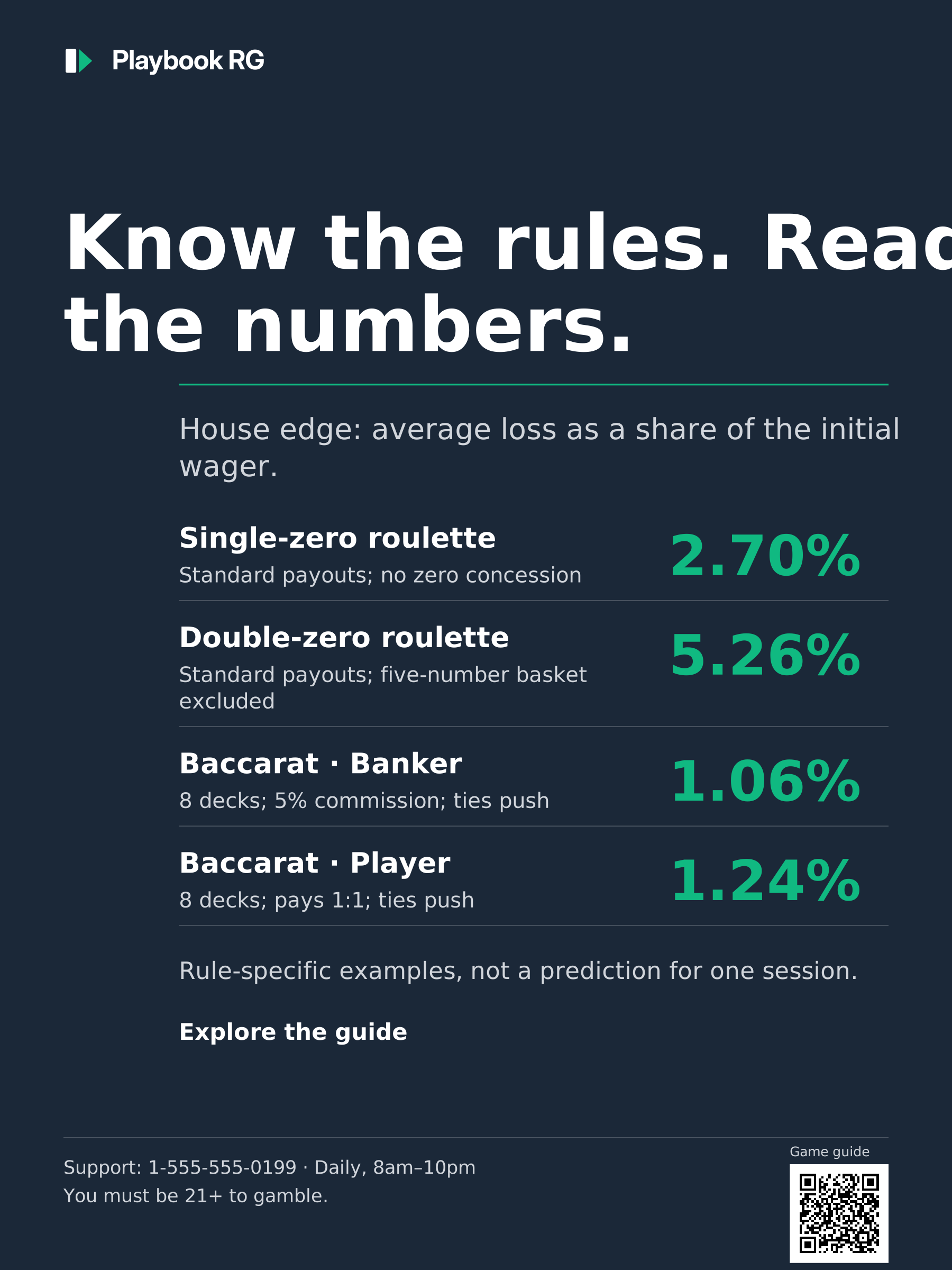
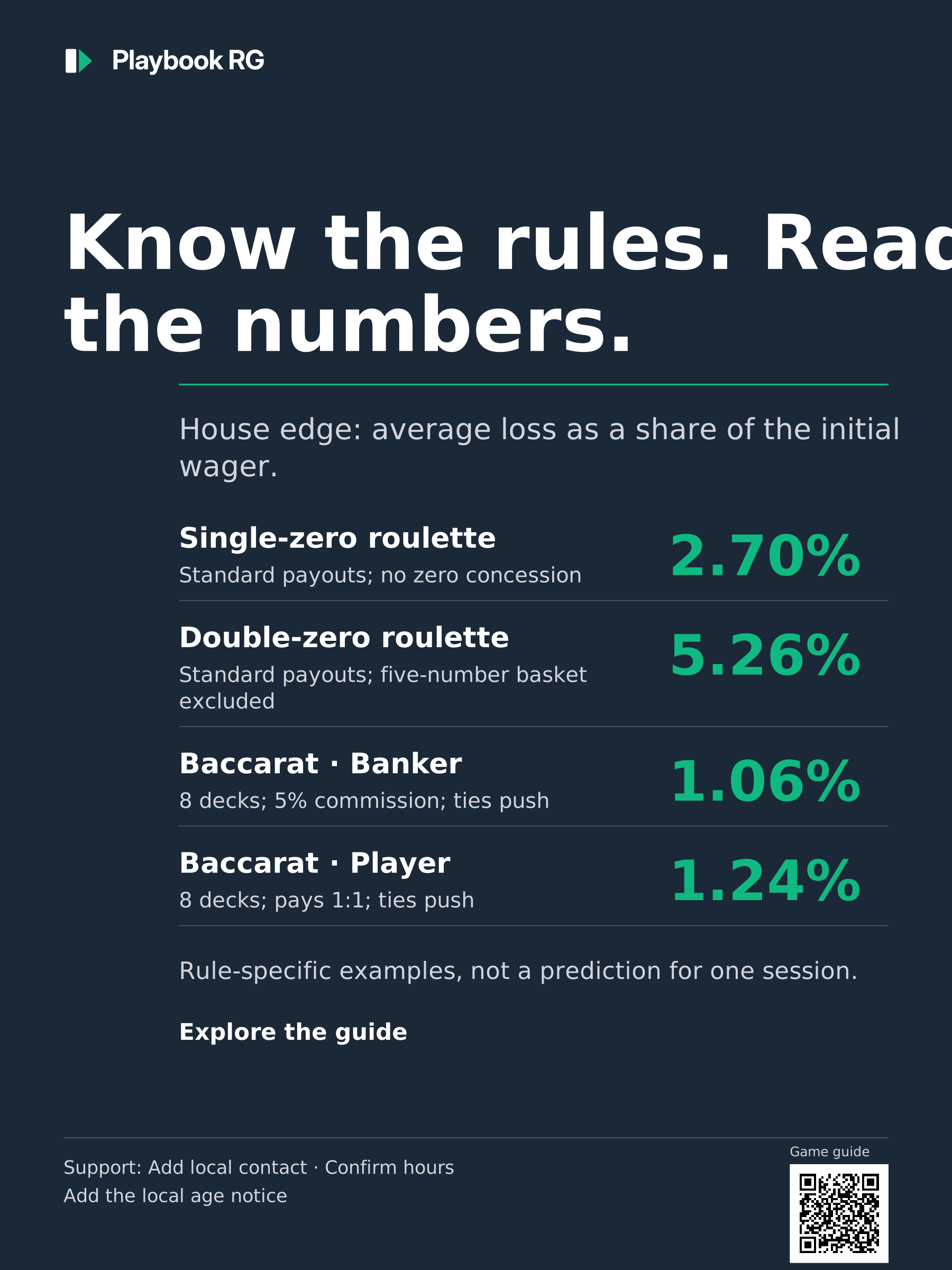
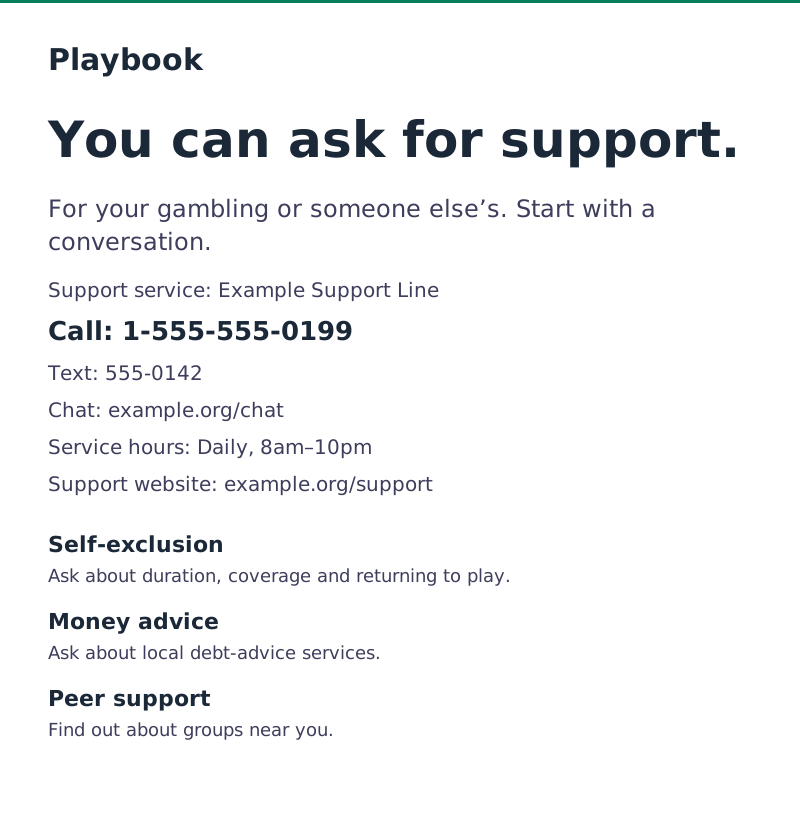
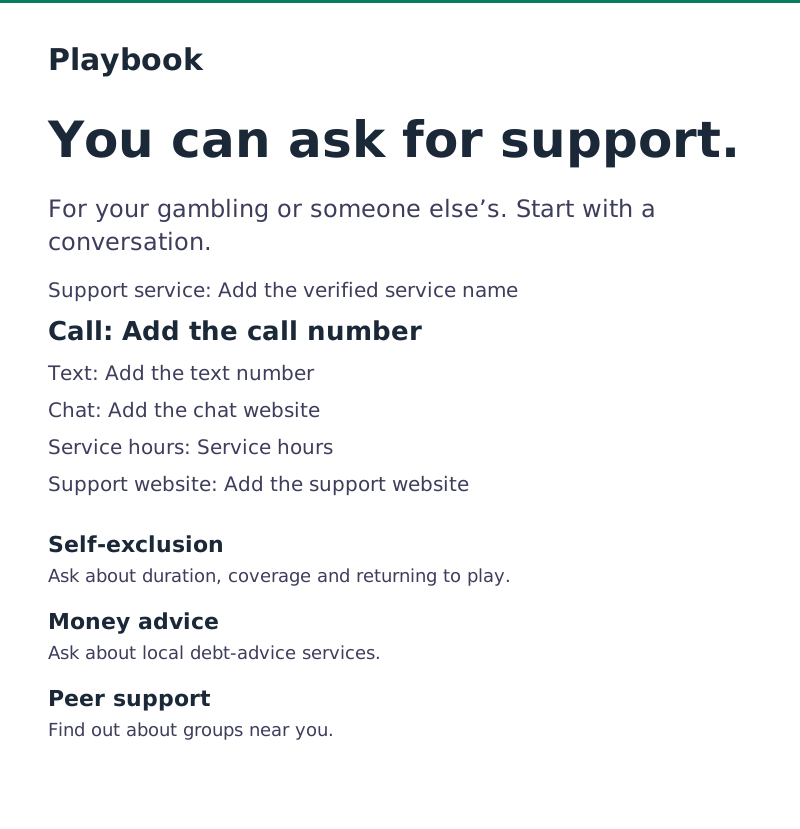
Review the design in context. Does it belong with the operator’s other material? Is its production quality comparable? Is the hierarchy useful for this task? Can people read and operate it? These checks do not replace destination, content, accessibility or local compliance checks before publication.
Narrator Script
Narrator: [transition slide] Tier 1 and Tier 2 use the same brand quality. The difference is restraint, not quality.
[show tier 1 sample board] Tier 1 gets the full visual system. Navy backgrounds, teal accents, bold orange highlights, playful icons, branded illustration. This is where the personality lives.
[show tier 2 sample board] Tier 2 strips it back. Orange disappears. Decoration disappears. The palette drops to neutrals plus teal for essential actions. Layout goes single-column, white space opens up, and Tier 2 always renders in light mode — even if the player has dark mode enabled.
[pause 3s] When someone needs help, every extra visual element is friction.
Section 3: Accessibility Requirements
Reading
Check the actual text, controls and reading order; a visually tidy page can still be inaccessible.
WCAG 2.1 AA contrast requirements: normal text needs at least 4.5:1; large text needs at least 3:1. Large means at least 18 points (24 CSS px), or 14 points bold (about 18.67 CSS px). Relevant non-text interface components and graphical objects need 3:1, subject to the criterion’s exceptions.
Playbook’s additional design conventions: aim for controls at least 44 × 44 CSS px and body text at least 16 CSS px. Do not call these WCAG 2.1 AA requirements. The 44-pixel target appears in WCAG 2.1 AAA criterion 2.5.5, with exceptions; WCAG 2.2 AA criterion 2.5.8 uses a 24-pixel minimum or its specified spacing/other exceptions. Font size alone cannot establish readability or conformance.
White on #1B2838 navy measures about 14.92:1; #10B981 teal on that navy measures about 5.88:1. These measurements apply to these exact solid colors. Check each actual combination, including hover, focus, disabled and error states. Text on photographs needs testing against the background it actually occupies.
Dark-mode checks: #6B6B8A on #1A1A2E measures about 3.33:1. That is below the normal-text threshold even if it looks readable on your monitor. Use a lighter text color for normal body text. Check images and state colors in the deployed theme; do not assume one rule such as “always use dark text” will make every combination pass.
Before sign-off:
- Operate every action with the keyboard. Check visible focus, logical order and no keyboard traps.
- Read the page with assistive technology. Use meaningful headings, labels and status announcements.
- Give informative images useful alternatives and decorative images empty alternatives. Do not duplicate adjacent text unnecessarily.
- Keep meaning available without color, motion or audio alone.
- Check zoom, reflow and the actual touch-target area on narrow and short screens.
- Verify local requirements in your internal policies.
Standards: W3C contrast minimum, WCAG 2.1 target size, AAA, and WCAG 2.2 target size minimum, AA.
Narrator Script
Narrator: [transition slide] Accessibility isn’t optional. It’s the foundation of inclusive player education.
[show WCAG checklist] Color contrast meets WCAG double-A — four-point-five to one for body text, three to one for large text. Touch targets are at least forty-four pixels. Every layout works by keyboard and reads cleanly to a screen reader. Never use color alone to carry meaning. Every image gets alt text. And Tier 2 always renders in light mode, because dark mode can feel isolating in a crisis.
[pause 3s] The goal is simple: every player, whatever their ability, can reach every piece of material.
[transition to exercise] Before the test, six design calls are waiting on your desk. For each one, decide: ship it, or fix it. Every answer comes straight from the rules you just learned. Work through them, then continue.
Exercise: Ship It or Fix It?
Type: scenario
Instructions: Ship it or fix it? Judge the visual treatment only. Contacts, links and notices are checked separately. Use the stated measurements, not the scaled picture.
| Item | Correct Category | Feedback Correct | Feedback Incorrect |
|---|---|---|---|
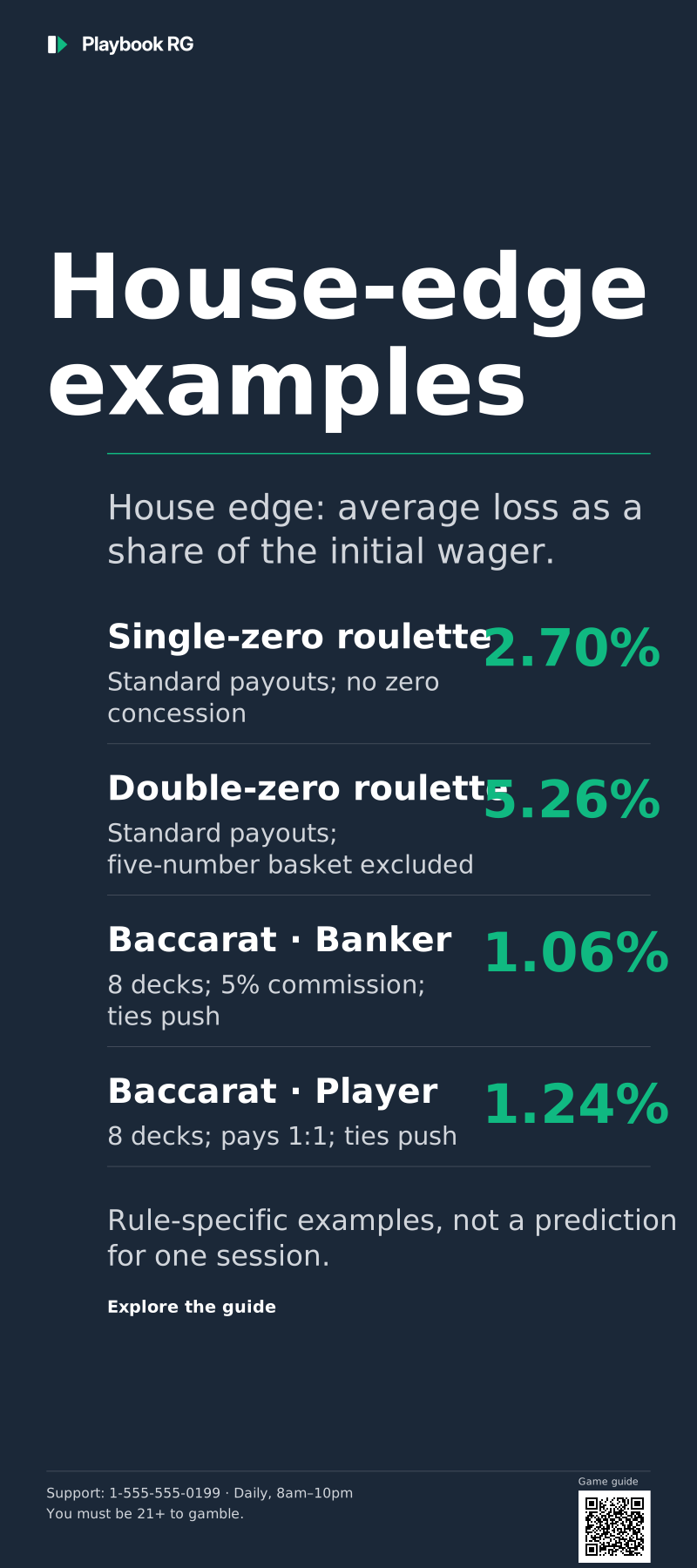
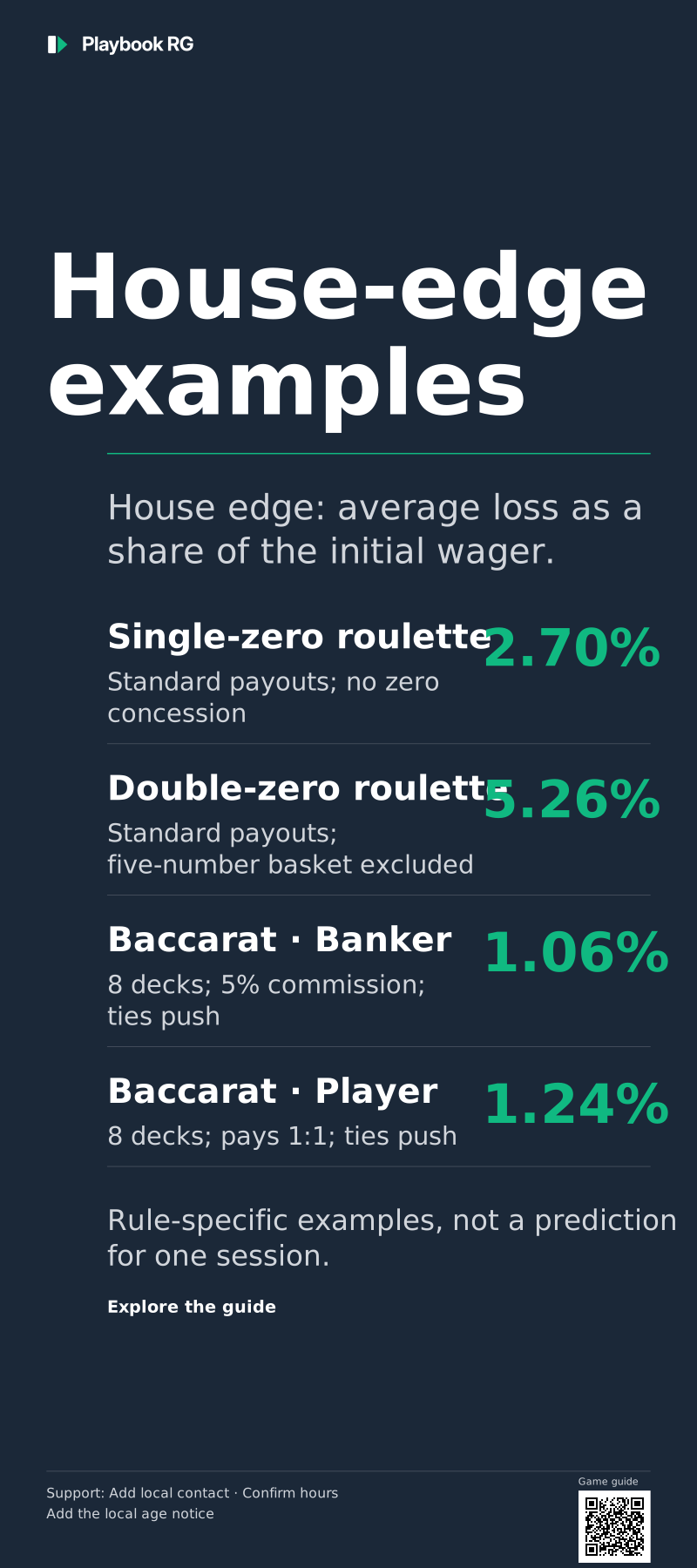
| Review this Tier 1 venue-poster treatment. | Ship it | Clear hierarchy, consistent type and rule-qualified figures suit this Tier 1 piece. Orange and photography are optional. | Ship it. The hierarchy and rule-qualified figures work, and Tier 1 doesn’t need orange or a photo. |
| Review this rack card for a holder beside the operator’s commercial material. | Fix it | No shared identity, and a slogan where odds information should be. Use the current rack-card template and rule-qualified facts. | Fix it. The generic styling falls short of the commercial material beside it, and the slogan gives no odds facts. |
| Review this account-pause screen as Tier 2 communication. | Fix it | Confetti, a promotional headline and an orange action compete with a support decision. Keep it restrained, not clinical, and don’t imply the pause has started. | Fix it. Confetti and orange celebrate a Tier 2 support decision. Use the restrained support treatment, and don’t imply the pause has started. |
| Review this support entry screen’s visual treatment and supplied specifications. | Ship it | The single column, clear action, measured contrast and 48-pixel target suit the support task. | Ship it. Restraint is deliberate in Tier 2, and the 5.88:1 contrast and 48-pixel target meet this module’s checks. |
| Review the mobile quiz and its supplied target-size measurements. | Fix it | The 36 × 36 CSS-pixel targets miss Playbook’s 44-pixel target. WCAG 2.1 puts 44 px at AAA, not AA. Enlarge them. | Fix it. Good text contrast doesn’t make up for 36-pixel targets. Playbook’s target is 44 × 44 CSS px — AAA in WCAG 2.1, not AA. |
| Review these two account-status messages. | Fix it | These are account states, not campaign accents, so they need the standard success and warning colors. Keep the text labels too. | Fix it. These messages borrow brand orange and navy. Account states need the standard success and warning colors, with their text labels. |
Module Test
Narrator: [transition slide] Time to check what you’ve learned. Five questions, covering the visual system, the Tier 1 and Tier 2 visual rules, and the accessibility floor. You need 80% — that’s four out of five — to mark this module complete. Take your time. If you don’t pass on the first try, you can review the material and retake the test.
Question 1
Assesses: Learning objective 1
Stem: What is the “visual quality rule” for {{PROGRAM_NAME}} content?
| Option | Text |
|---|---|
| A | {{PROGRAM_NAME}} content should use a distinct, clinical aesthetic to differentiate it from commercial content |
| B | {{PROGRAM_NAME}} content must match the production quality of the operator’s commercial marketing |
| C | {{PROGRAM_NAME}} content should be minimalist so it doesn’t compete with the operator’s brand |
| D | {{PROGRAM_NAME}} content should follow government health communication design standards |
Correct: B
Explanation: Education that looks cheaper than nearby promotions gets treated like fine print. Match the care; usefulness and accessibility need their own checks.
Source: Visual System
Question 2
Assesses: Learning objective 1
Stem: What is the “adaptive identity model”?
| Option | Text |
|---|---|
| A | A system where {{PROGRAM_NAME}} looks identical across all operators |
| B | A system where operators keep {{PROGRAM_NAME}}‘s structural identity (layout, hierarchy, icons) but apply their own colors and fonts |
| C | A system that automatically changes based on the player’s segment |
| D | A system that uses AI to generate custom designs per market |
Correct: B
Explanation: Keeping layout, hierarchy, icons and spacing consistent lets players recognize {{PROGRAM_NAME}} across operators, while each operator keeps its own colors and fonts.
Source: Visual System
Question 3
Assesses: Learning objective 2
Stem: Which direction should guide the revision of this Tier 2 support draft?
| Option | Text |
|---|---|
| A | Use red and warning colors throughout to signal urgency |
| B | Make it visually sparse — no brand styling at all |
| C | Same brand quality but strip back to essentials: clean layout, generous white space, maximum contrast, zero visual noise |
| D | Use a completely different design system from Tier 1 |
Correct: C
Explanation: Nothing should compete with the support information. Tier 2 keeps the brand’s quality and drops decoration: restrained, not clinical, on a light surface.
Source: Visual System
Question 4
Assesses: Learning objective 3
Stem: Which minimum WCAG 2.1 AA contrast ratio applies to the 16 CSS-pixel regular body text in this specification?
| Option | Text |
|---|---|
| A | 2:1 |
| B | 3:1 |
| C | 4.5:1 |
| D | 7:1 |
Correct: C
Explanation: Regular 16 CSS-pixel text is normal text, so it needs 4.5:1. Large text (3:1) starts at 24 CSS px, or about 18.67 px bold.
Source: Accessibility
Question 5
Assesses: Learning objective 1
Stem: Why does {{PROGRAM_NAME}} use Source Code Pro for helpline numbers?
| Option | Text |
|---|---|
| A | It looks more modern than other fonts |
| B | It’s the brand’s primary font |
| C | It disambiguates similar characters — 0/O and 1/l/I are visually distinct |
| D | It’s required by gambling regulators |
Correct: C
Explanation: Mixing up 0 and O, or 1 and l, could mean dialing the wrong helpline number. Source Code Pro keeps them distinct.
Source: Visual System
Key Takeaways
- Match the production quality of the operator’s other communications. Use clear hierarchy, readable type and information suited to the task.
- Operators can adapt identity elements while keeping consistent layouts, spacing and component behavior.
- The default palette is navy, bright teal and optional orange. Keep functional state colors and their text labels consistent.
- Tier 1 can use the wider visual system. Current Tier 2 templates use light surfaces, restrained color and simple support routes.
- Review the actual piece in context. A visual approval does not replace content, destination, accessibility or local publication checks.
- WCAG AA normal-text contrast is 4.5:1. Playbook additionally specifies 44 × 44 CSS-pixel targets and 16 CSS-pixel body text. Check keyboard use, assistive-technology access and reflow.
Source basis
You don’t need to read these, but they’re the published standards and research behind the module’s rules — in case a colleague asks.
- World Wide Web Consortium (2018). Web Content Accessibility Guidelines (WCAG) 2.1. W3C Recommendation. Why it’s here: the contrast and interaction criteria. The 44 × 44 CSS-pixel target-size criterion is AAA in WCAG 2.1; Playbook adopts it as an additional design convention.
- Arditi, A. & Cho, J. (2005). Serifs and font legibility. Vision Research, 45(23), 2926–2933. Why it’s here: the legibility evidence behind functional type choices like character disambiguation — why a font that separates 0/O and 1/l/I isn’t an aesthetic preference.
- Robins, D. & Holmes, J. (2008). Aesthetics and credibility in web site design. Information Processing & Management, 44(1), 386–399. Why it’s here: experimental evidence that visual production quality drives whether people judge content as credible — the empirical backbone of the visual quality rule.
References
| Resource | What to use it for |
|---|---|
| Visual System | Adaptive identity, palette, type, iconography, photography |
| Accessibility | WCAG baseline, contrast tables, dark-mode rules, checklist |
| Collateral templates | Tier 1 and Tier 2 specimens to brief and benchmark against |